
Vulners API documentation got new structure, examples, and look
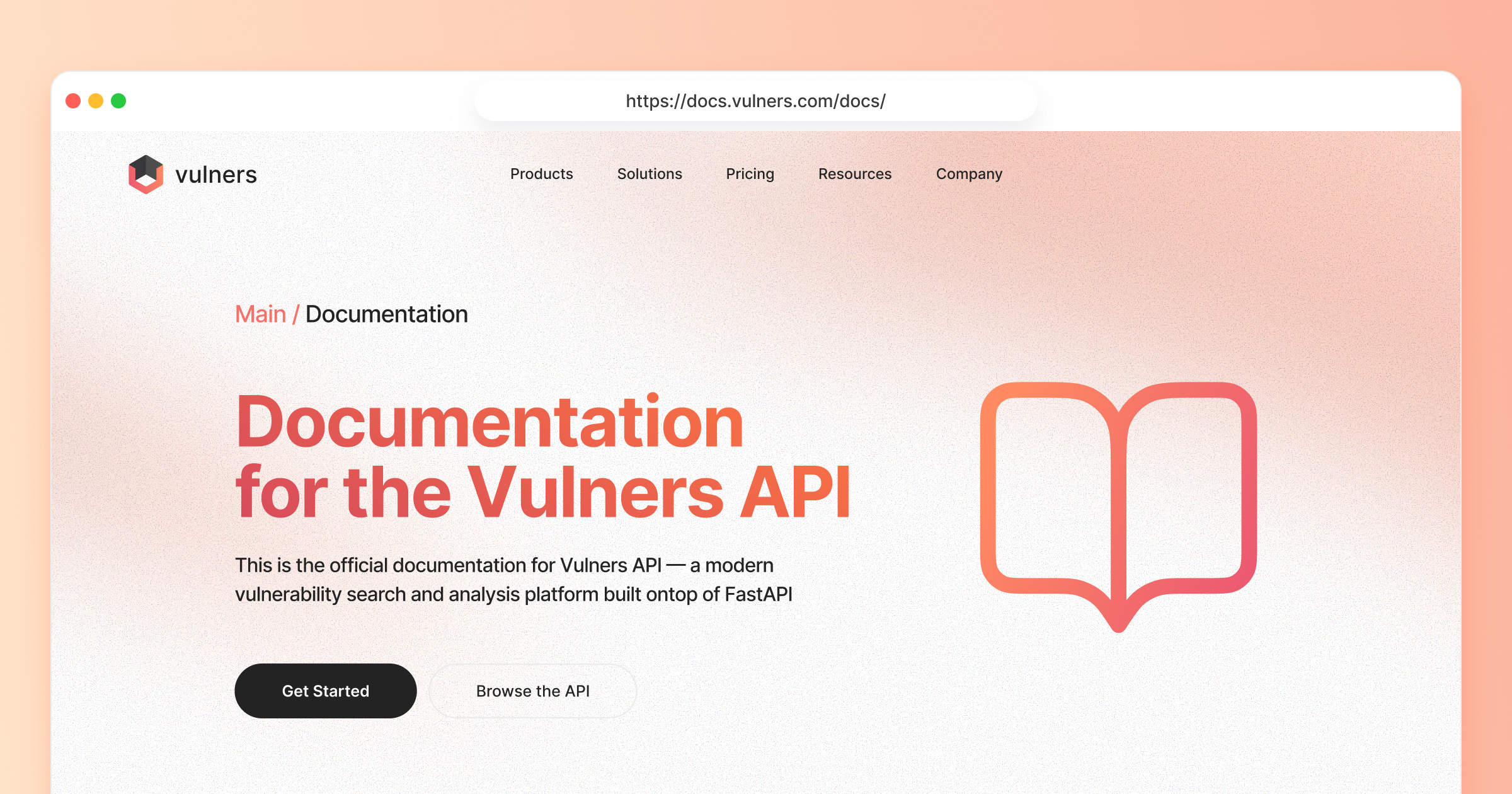
If you’re building a security product or automating your own vulnerability workflows, Vulners API is probably what you care about most. It’s our bread and butter: the way you plug Vulners directly into your scanners, CI/CD, asset inventory, SBOM pipelines, agents, and dashboards.
You’re likely balancing a few things at once: shipping features, keeping infrastructure and customers safe, and not turning your team into a 30-person security department. The refreshed docs are there to help you shortcut that work — shorten integration time, standardize your security workflows, and skip reinventing patterns we’ve already seen across many customer architectures. In practice, that means faster prototypes, quicker proof-of-value for stakeholders, and more time spent on your product instead of wrestling with documentation.
We’ve just shipped a major overhaul of the Vulners Documentation:
- Clear, opinionated Quick Start for getting from API key to first query.
- Jump-start use cases that read like mini playbooks, not just endpoint listings.
- A restructured API reference that’s organized around real tasks, not internal naming.
- A more explicit data model & Lucene field guide so you can search and filter like a pro.
What’s New at a Glance
- ✅ Cleaner structure: navigate by use case, not by guesswork.
- ✅ Copy-paste-and-go code snippets for each scenario.
- ✅ Opinionated examples that match what we recommend in customer design sessions.
- ✅ Updated API reference grouped by real workflows.
- ✅ Practical data glossary + how to use each field in Lucene queries.
Quick Start: From Key to First Result (in Minutes)
The new Quick Start is designed to get you from nothing to “real data on screen” as fast as possible:
Create an API key
Grab a key in the Vulners UI, with brief guidance on rotation, scoping, and safe handling in CI/CD or backend services.
Run your first request
Copy a minimal example (curl or Python) that:
- Authenticates with your key
- Executes a basic search
- Prints a few key fields so you see real value immediately
(Optional) Install the Python SDK
If you want to iterate quickly,
pip installthe Vulners SDK and reuse short snippets to explore queries, tests, and internal tools.
That’s it: one key, one request, and you’ve validated the integration.
Jump-Start Use Cases (a.k.a. Products)
If you’re new to Vulners API, picking the “right” endpoint can be confusing. The jump-start guides flip that around: start from the problem you’re solving, not from a method name.
Each guide is basically a small playbook with recommended calls, copy-paste code, and response walkthroughs so you can plug it into your stack with minimal thinking.
Intelligence
Use exploit and vulnerability intelligence to focus on the issues that are actually dangerous, not just high CVSS. You get ready-made patterns for mixing exploitability, context, and scoring.
👉 Skim the Intelligence guide in the docs and lift the snippets straight into your prioritization flow.
Assessment
Feed in CPEs, packages, versions, or SBOMs and get back precise matches with scores and metadata. It’s built for that “what’s wrong with this inventory?” moment.
👉 Check the Assessment guide and see how quickly you can wire it into your scanner, asset DB, or internal tooling.
Datasets
When you need the full firehose, grab complete JSON/CSV feeds, keep a local mirror, and plug them into SIEM, SOAR, or your warehouse. Great for offline, heavy, or custom analysis.
👉 Take a look at the Datasets guide and see how it slots into your existing data pipeline.
Alerts
Define what “critical for us” means and get email or webhook alerts when something new matches your stack, vendors, or risk thresholds. No polling or homegrown alert infra required.
👉 Drop into the Alerts guide and hook it up to Slack, Teams, or your backend in a couple of steps.
Exploits
Enrich vulnerabilities with curated exploits and PoCs from GitHub, Exploit-DB, and more so you can test detections, train teams, or judge how real a risk is.
👉 Browse the Exploits guide and plug the examples into your detection engineering or lab workflows.
MCP: Vulners for AI Agents
Give your AI agents access to structured, trusted security data so they answer from real intel instead of hallucinating threats. Perfect for copilots, triage helpers, or security chatbots.
👉 Swing by the MCP guide and see how it snaps into your LLM/agent setup.
Restructured API Reference
If you already know what you’re doing and just need the exact knob to turn, the API reference is now much more navigable.
We restructured it around what the call does, not how it’s named internally:
- Search — Full-text, Lucene, and fielded searches across vulnerabilities, exploits, and related content.
- Collections — Work with curated result sets, saved searches, and reusable groupings of data.
- Audit — Endpoints that help you scan / assess assets, software inventories, or SBOM-style inputs.
- Alerts — Manage alert subscriptions, delivery channels, and filtering logic.
- Reporting — Pull aggregated views and summaries, perfect for dashboards and scheduled reports.
For each method you’ll find:
- Request parameters with clear descriptions
- Example requests (curl + SDK where relevant)
- Example responses with key fields highlighted
- Notes on limits, pagination, and performance considerations
Use the reference when you need precise control over API behavior, or when you’re integrating into production systems and need to know exactly what’s going over the wire.
Data Model
The new Field Glossary section gives you the essentials without guesswork: what each key represents, how it’s typically used, and what to watch out for when you index or normalize the data. When you’re mapping Vulners into your own schema or building dashboards, this keeps you from reverse-engineering field meanings by trial and error.
On top of that, the Search strategies section offers practical examples and efficient techniques tailored for developers leveraging the Vulners vulnerability database. Covering everything from basic HTTP requests to sophisticated Python API usage, this guide provides a diverse array of examples to help you formulate precise search queries.
Try the New Docs
You can find the updated documentation from the Documentation section in the Vulners UI (or via the docs link).
Start with one guide:
- Pick the use case closest to what you’re building.
- Generate an API key.
- Paste it into the example script.
- Run it against your real data.
If you discover a cleaner pattern, a missing example, or an edge case we didn’t cover, we’d love to hear from you. The docs are now structured so we can iterate quickly — just like the API itself.
Happy building, and happy breaking things (securely).